Using appsettings.json
By default, the solution /Files-folder is placed inside the wwwroot-folder of the DynamicWeb 10 application. However there are cases where you may want to keep your application and your /Files folder separate, for instance:
- To make it easier to switch between different /Files-folders
- To separate design & application for source control purposes
In that case you can place an appsettings.json file in the root of the application folder.
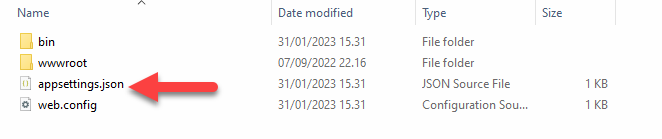
By default, this file should contain some logging instructions (standard for web-projects in VS) as well as a FilesPath parameter. Edit the FilesPath value to point to the Files-folder you want to use. Use \\ for backslash.
{
    "Logging": {
        "LogLevel": {
        "Default": "Information",
        "Microsoft": "Warning",
        "Microsoft.Hosting.Lifetime": "Information"
        }
    },
    "DetailedErrors": true,
    "AllowedHosts": "*",
    "FilesPath": "x:\\path.to\\Files",
}