The Excel Provider is used for importing and exporting data from and to XLS and XLSX files, the spreadsheet file formats used by Microsoft Excel.
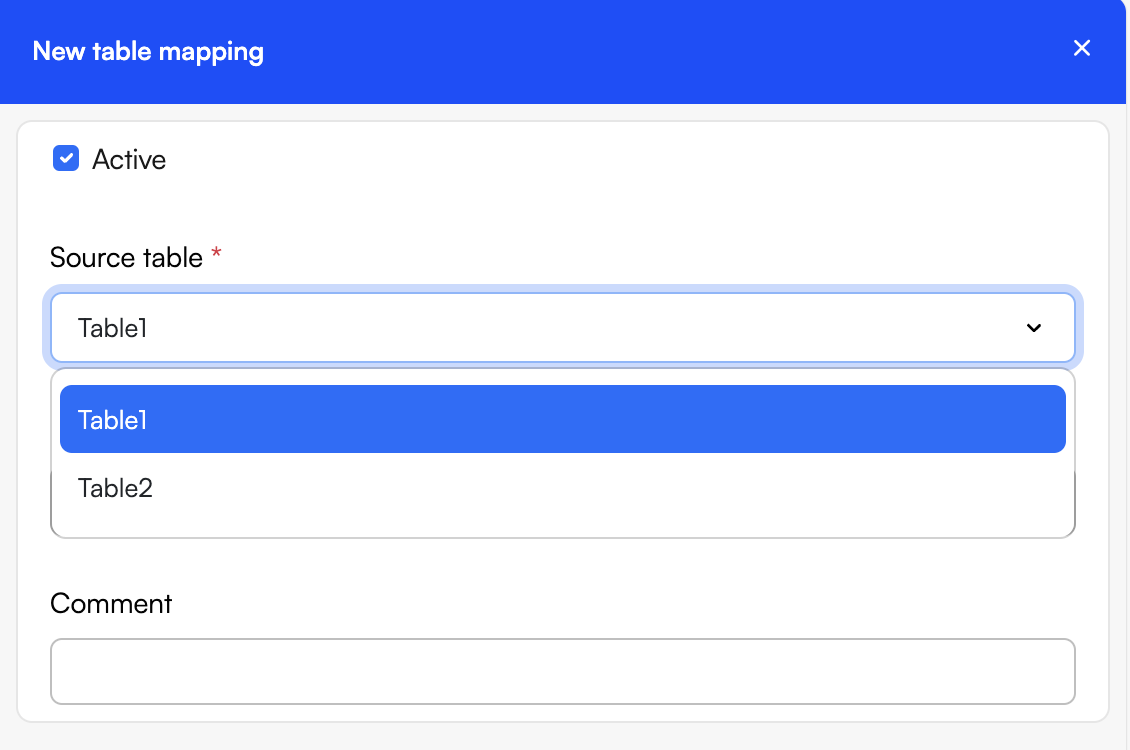
The Excel Provider imports each sheet/tab as a table, and also exports each table as a sheet/tab in Excel.
Used as source
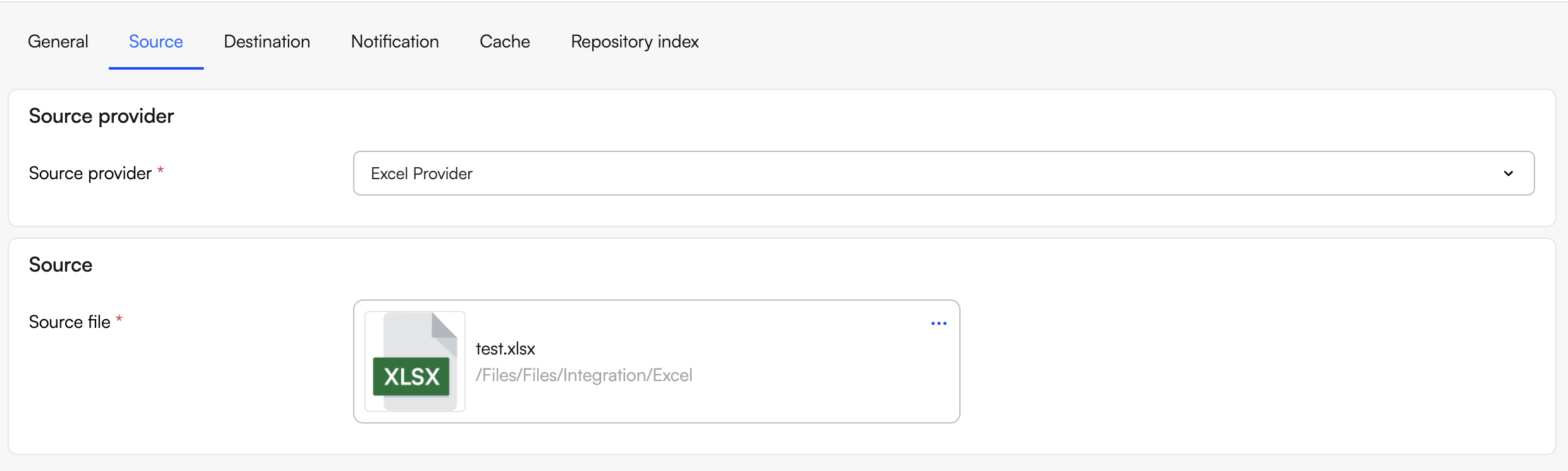
When used as a source provider simply select a source file from your assets or use the selector to upload a new file.
Note
Imports from Excel may fail on:
- Cells containing none-explicit values (e.g. calculated or referenced cells)
- Merged cells (will become NULL or empty string)
- Data out of scope (make sure to only have data in your sheet that is part of import - avoid filters, formating, grouping, empty but included columns, tables etc).
About columns with numeric values:
- Excel operates with datatype double only. As thumb rule your destination column should be double as well.
- Even though your values in Excel are valid integers, and your souce column is also integer, job execution will fail trying to convert double to integer.
- If you insist on having a destination column of type Integer, you must manually change the source datatype from Double to Integer in the XML file that defines the job, once you have saved the job.
- Numeric columns with empty string values are imported with a '0' value.
Used as destination
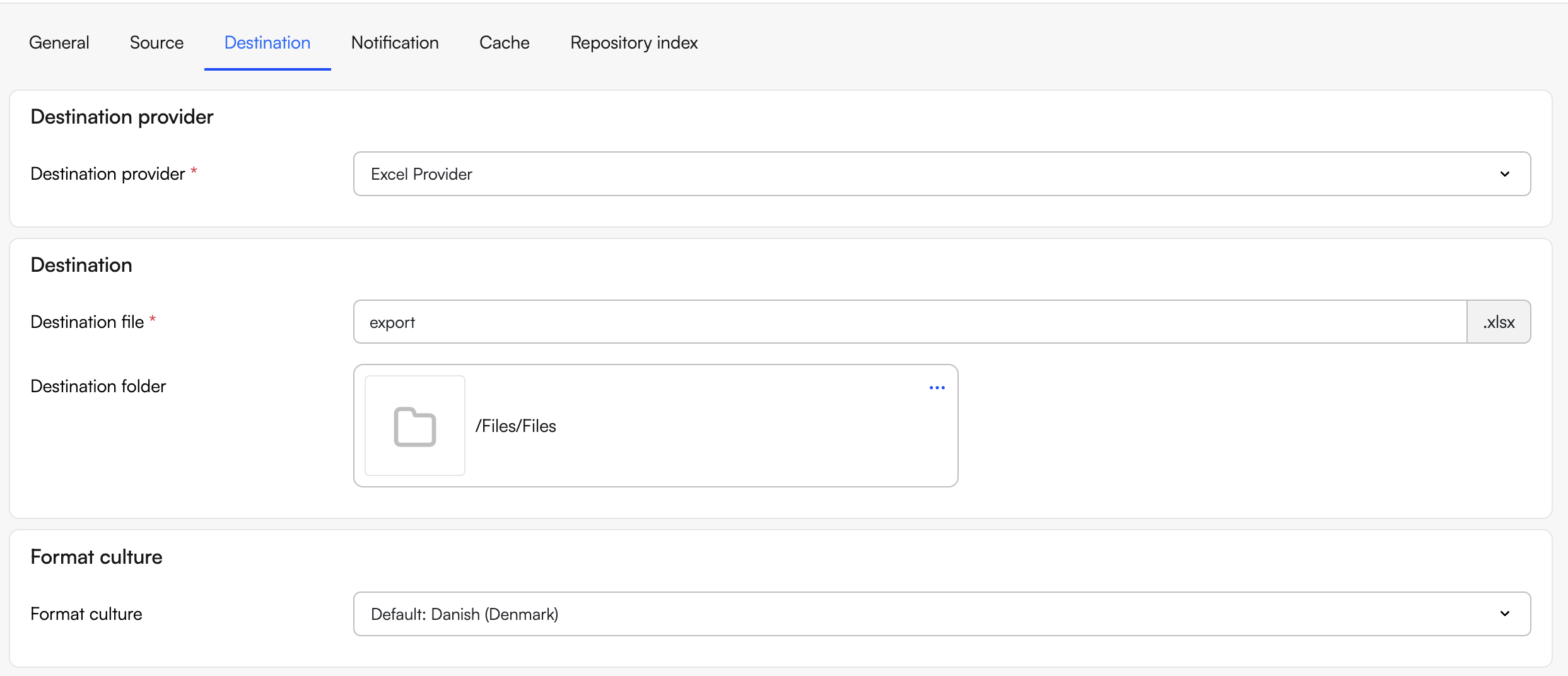
When used as a destination provider, enter a destination file name and select a destination folder.
Which tables and columns?
When using an Excel spreadsheet as a source, each sheet/tab in your excel file …
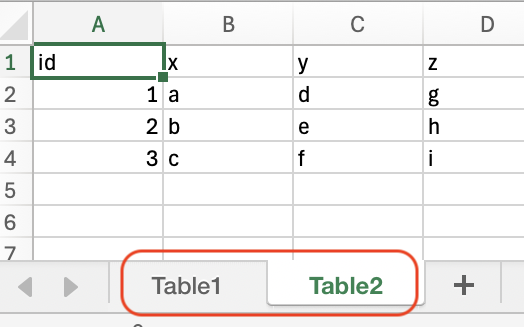
... will be imported as a table.
Note
- If name of spreadsheet and name of destination table have exact matches, the source/destination mapping will be set automatically. Otherwise you must map manually.
- Column headers are mandatory