Ledger flows are sets of states which guide a ledger entry through a process, e.g. from New to Paid.
Ledger flows are created under Setting > Areas > Commerce > Order Management > Ledger flows:
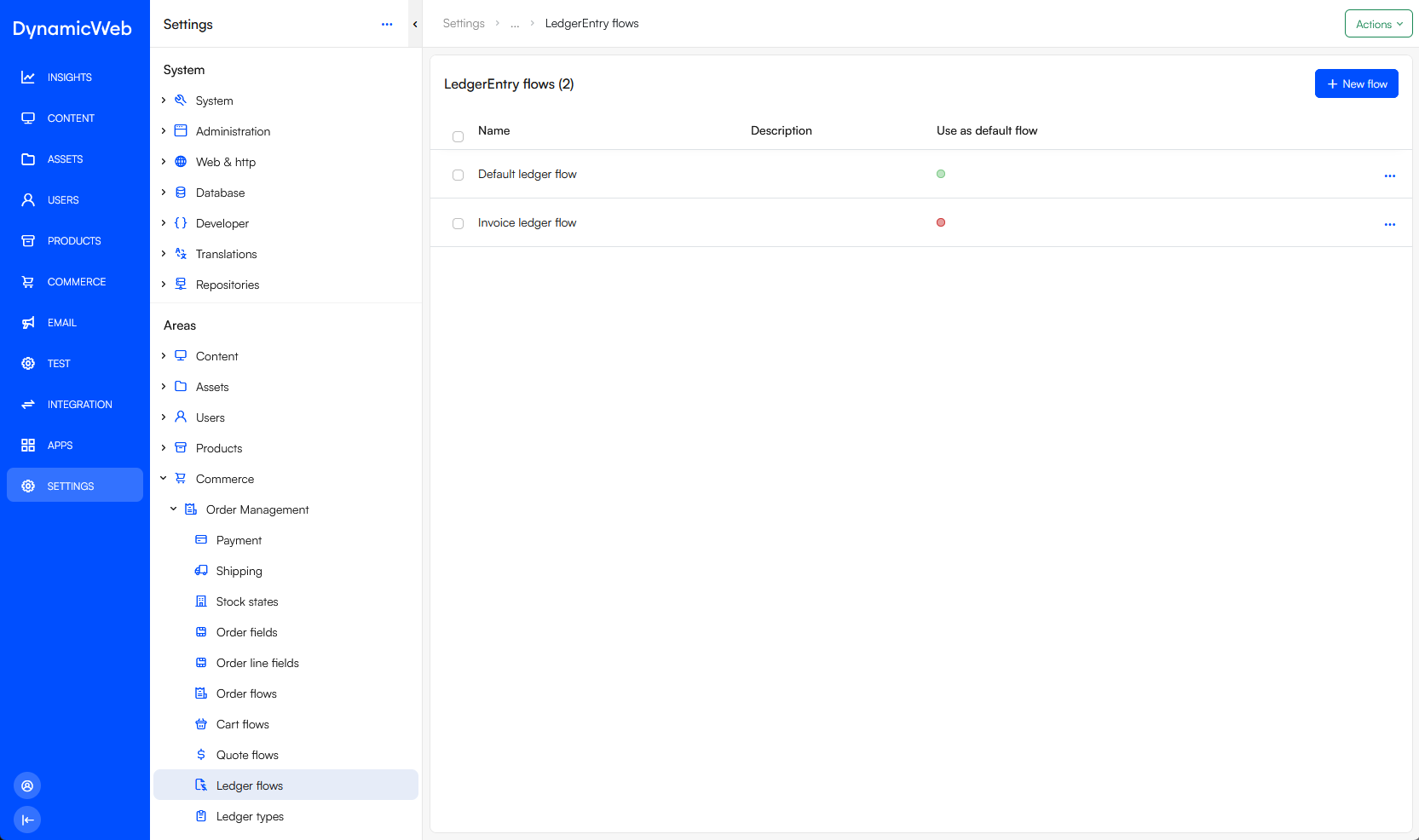 To create a new flow:
- Click New flow
- Provide a Name and optionally a description
- If relevant check Use as default flow
- Save
Once a ledger flow has been created you should create a set of ledger flow states for it.
Ledger entry states
A ledger flow consists of a set of ledger entry states which correspond to a milestone or step in the process which is in place to handle a specific ledger or ledger type.
To create ledger entry states:
- Open the ledger flow
- In the ledger entry states widget click New state
- Specify a name, a description and a color
- If relevant check Default to make this the default/initial state
- Save
If relevant, you can also set up notifications for when a ledger entry enters this state:
- Specify a subject
- Select an email template
- Specify a sender name and sender email
- Check as appropriate:
- Send to billing email
- Send to shipping email
- Send to order field email
- Optionally add custom emails to notify and select a email template for those emails
- Save
The general idea is that you may want to notify the customer that the state of an invoice has changed, and optionally the people who need to handle the next step in the ledger flow process.