The Email notifications node allows you to set up notification emails based on queries from the Products-area, e.g. to notify someone that there're products they need to enrich.
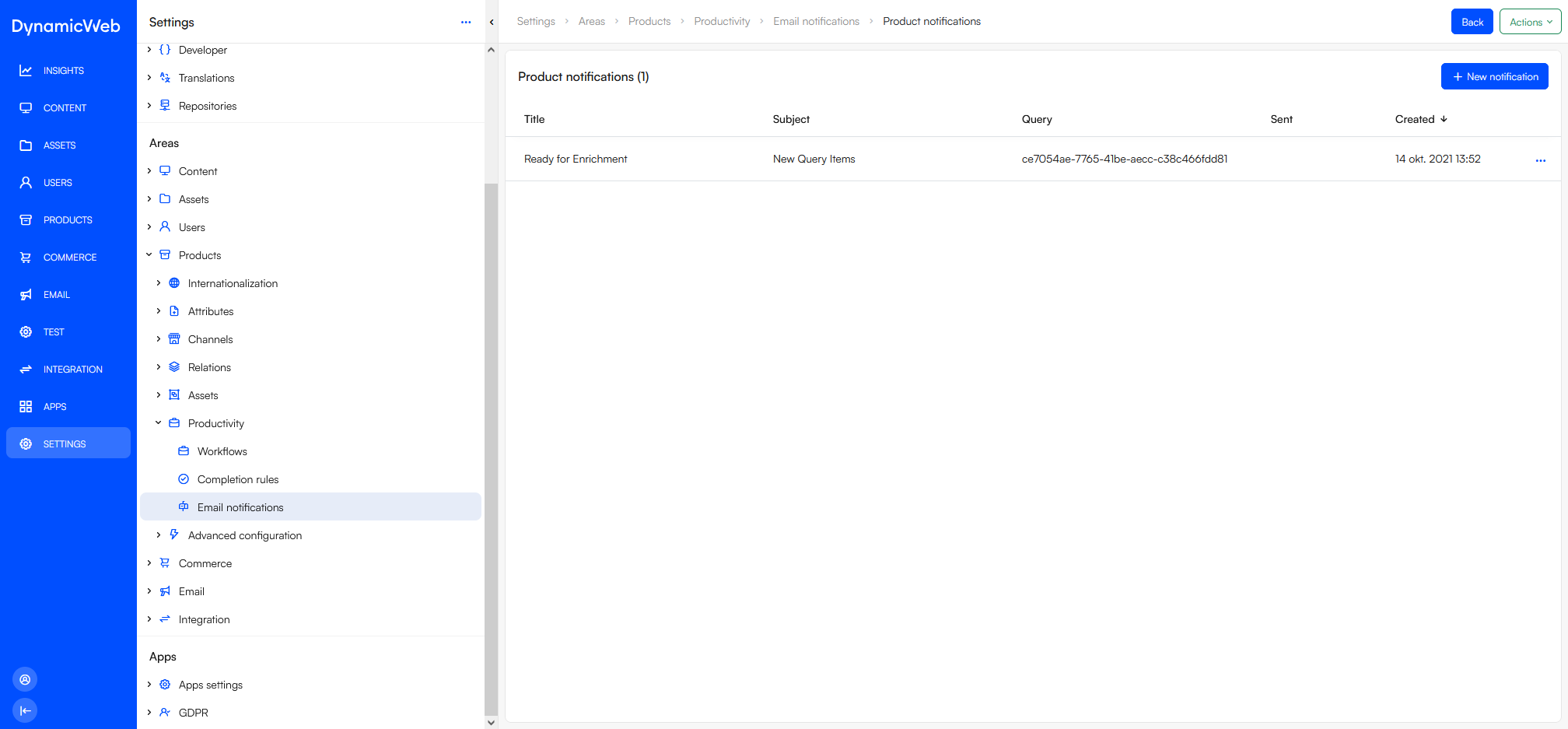 To create an email notification:
- Click +New notification
- Specify a Title and a Subject
- Select a Query and select a send rule
- Always send
- Send if query contains more than
- Send if query contains result
- Select an email template and specify max items to show
- Select recipients - either individual users or a user group
- Use the placeholders section to select what to include in the list of items in the email
To trigger email notifications, please create a scheduled task using the Product Email Notification Addin.