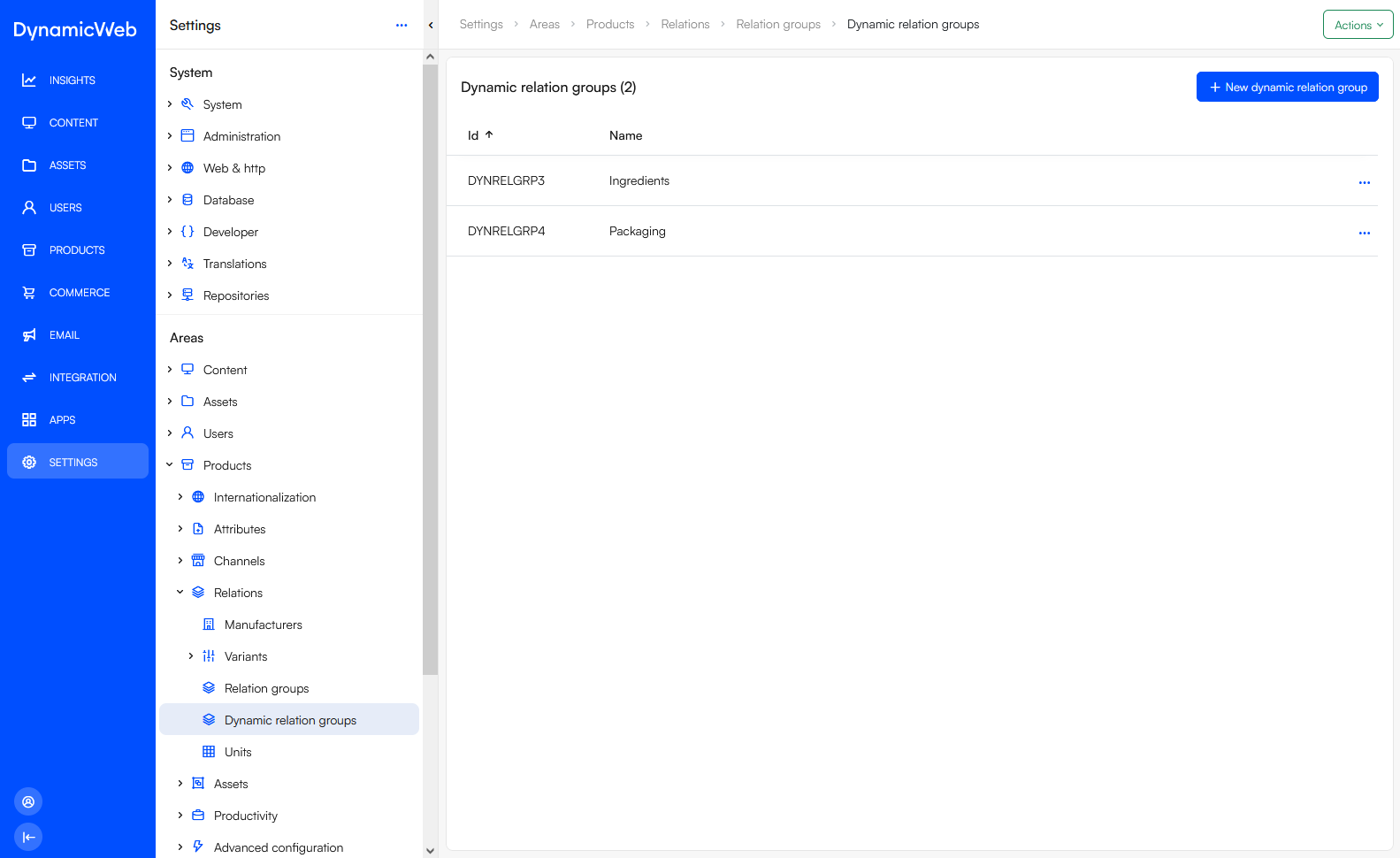
Dynamic relation groups are labels under which dynamic relations are created.
Note
As of now (release 10.15.4) Dynamic relations needs to be activated through the Feature Management tool. Please be aware that Dynamic relations can still be subject to change.
To create a dynamic relation group:
- Go to Settings > Areas > Products > Relations > Dynamic relation groups
- Click New dynamic relation group
- Provide a name
- Save