Presets allow editors to quickly apply predefined content blocks, either a row, a paragraph type or a page, when creating content. This will help you maintain consistency and speed in your content creation by not starting from scratch every time.
Most solutions are delivered with a number of presets already saved, and the presets are available where they are applied. For example, page presets can be found when adding a new page to your solution:
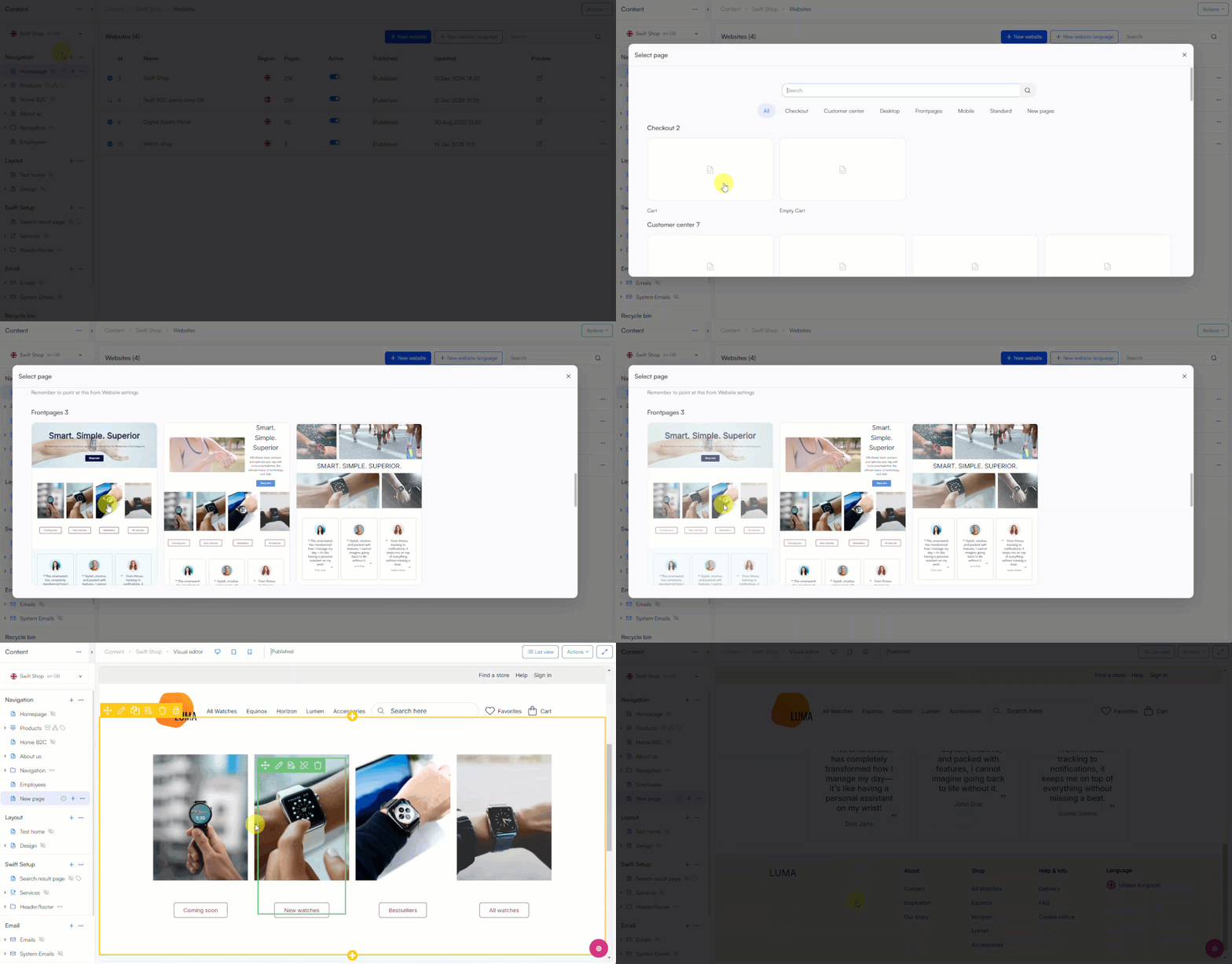
Create a preset
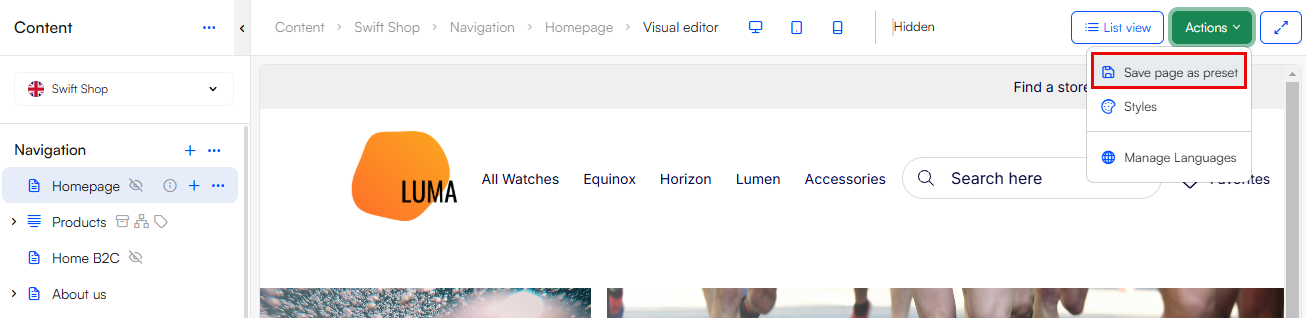
To create a preset of a page use the action menu found in the top bar:
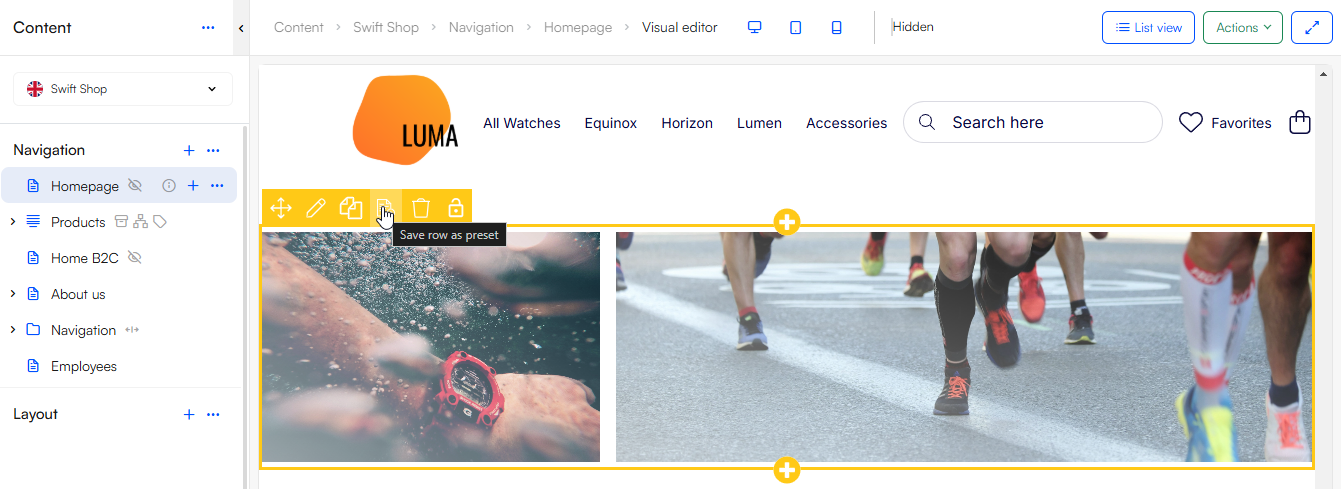
To create a preset of a row or paragraph type from the Visual Editor, hover over the particular row or paragraph to use the editor tools and select the preset tool:
When saving a preset it is best practice to fill in a name and description, and select a category or provide a new category name. You can select an image to appear as the preset's thumbnail in the page, row or paragraph selector, if no image is selected the thumbnail is a preview of the preset - which in many cases is the best choice.
Manage presets
When a preset is created it will automatically be saved in a Paragraph-, Row- or Page templates folder that will be created under a section called Presets in the area tree. Here presets are categorized under their Category name, and you can edit and delete your presets.
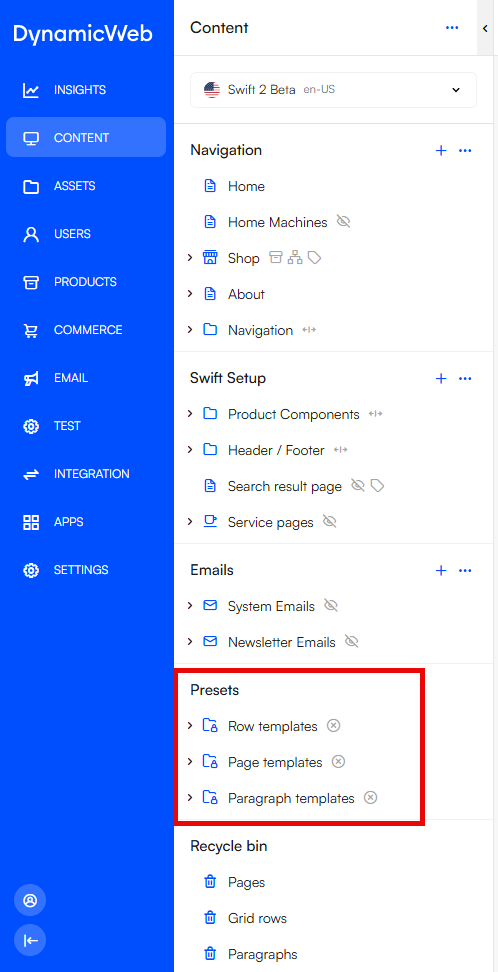 Please notice, the Presets section will only be visible if any presets have been created.