The workspace is the area of the screen where content is being shown and edited.
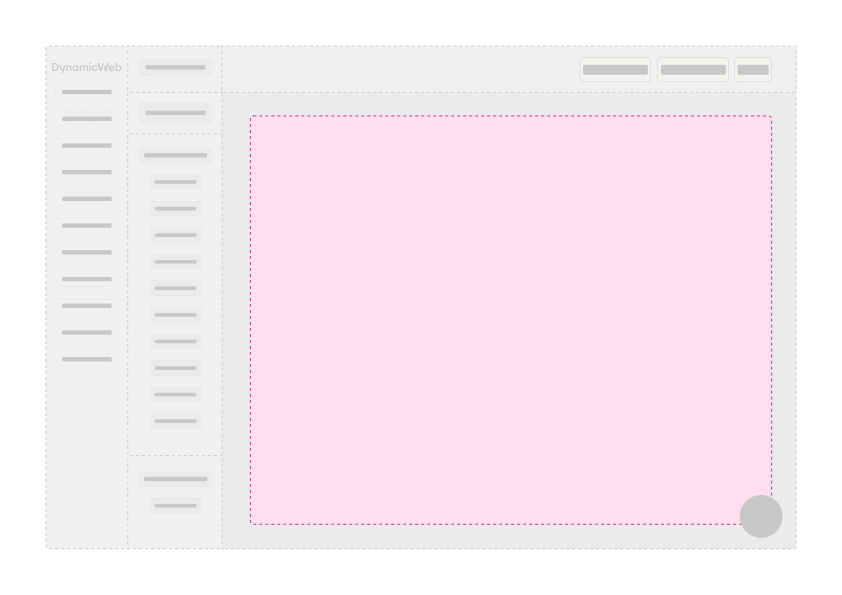
The functionality and the UI elements you have available for a workspace on a custom screen is partly determined by the ScreenType used - these are the basic ScreenTypes available to you:
| ScreenType | Use |
|---|---|
| EditScreen | Used for editing something – a product, a user account, etc. |
| ListScreen | Used to present the user with a list of something – e.g. products, users, emails, etc. |
| OverviewScreen | Presents an overview of something - e.g. a product, with related data in widgets |
| GridEditScreen | Presents data in an editable grid format, typically used for ERP-like edit screens |
| PromptScreen | A dialog-style screen used for editing small amounts of user input related data. Often appears as a slideover panel over the current view. |
On most cases these standard ScreenTypes should be enough when you're creating a custom screen, but if relevant you can create custom ScreenTypes.