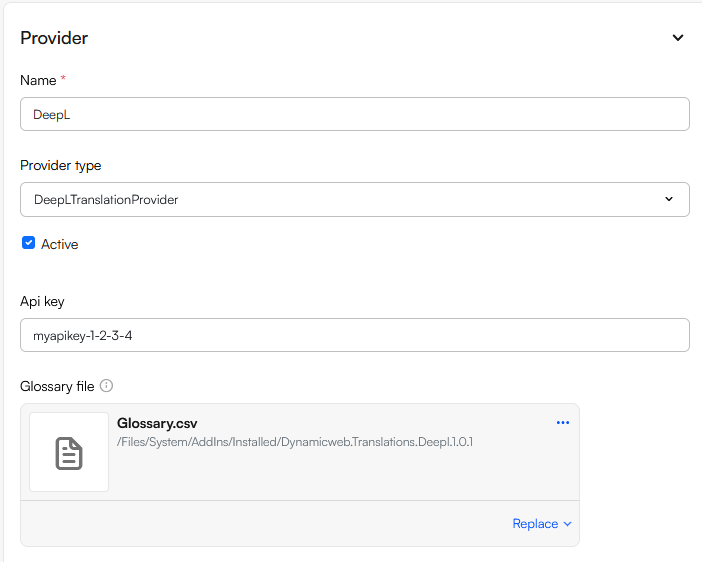
The Online Translation Service node allows you to set up translation providers for the translation feature available for products. Please note that you need to install a translation provider via our appstore before you can set it up here.
To create an integration to a translation service:
- Navigate to Settings > System > Administration > Online Translation Service
- Click New translation provider
- Provide a name
- Select a Translation provider and configure it
- Save
Currently we offer two translations providers via our appstore - Google Cloud Translation and DeepL. They are documented below.
The Google Cloud Translation integrated with the Google Cloud Translation API, a translation service used extensively all over the world.
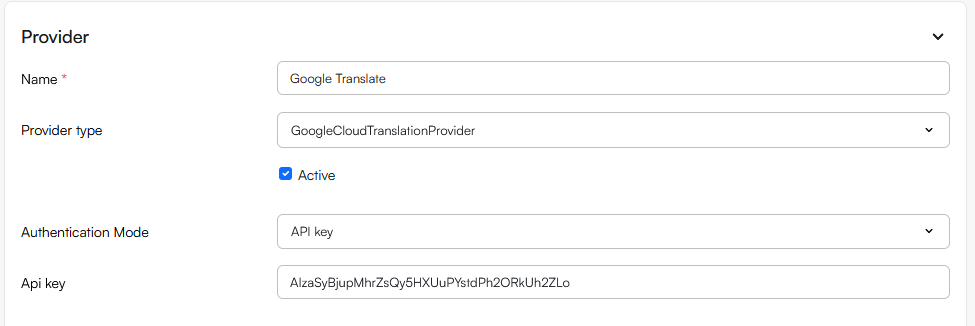
To configure this provider:
- Select an authentication mode
- API Key
- Service account
- Depending on the authentication mode selected, provide either an API key or a service account json file