The Translate-tool allows you to automatically translate field values between language versions of products and other products-related features.
To use this tool:
- Select one or more products
- In the action-menu select Translate or Translate all to open the tool slideover
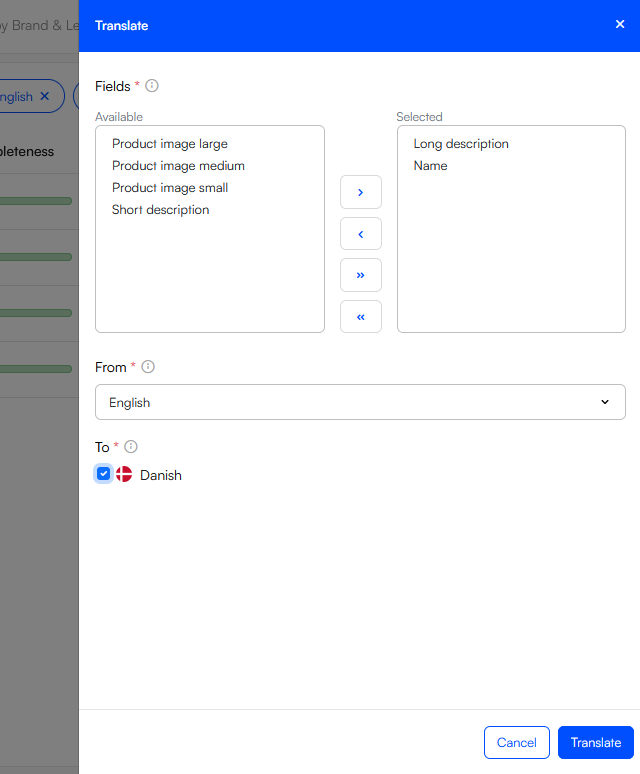
- Using this interface:
- Select the fields you want to translate
- Select the language you want to translate from
- Select the language(s) you want to translate to
- Click Translate
Note
Please note that this feature depends on a connection to an online translation services being configured. We currently support Google Cloud Translate and DeepL. If a connection to an external translation service is not configured, the Translate-option will not be available in the UI.