DynamicWeb Swift is a configurable, plug-and-play standard frontend designed to streamline the creation of visually appealing, mobile-first B2B and B2C websites with minimal coding effort. Built upon the DynamicWeb 10 platform, Swift offers a robust foundation for businesses aiming to establish a strong online presence efficiently.
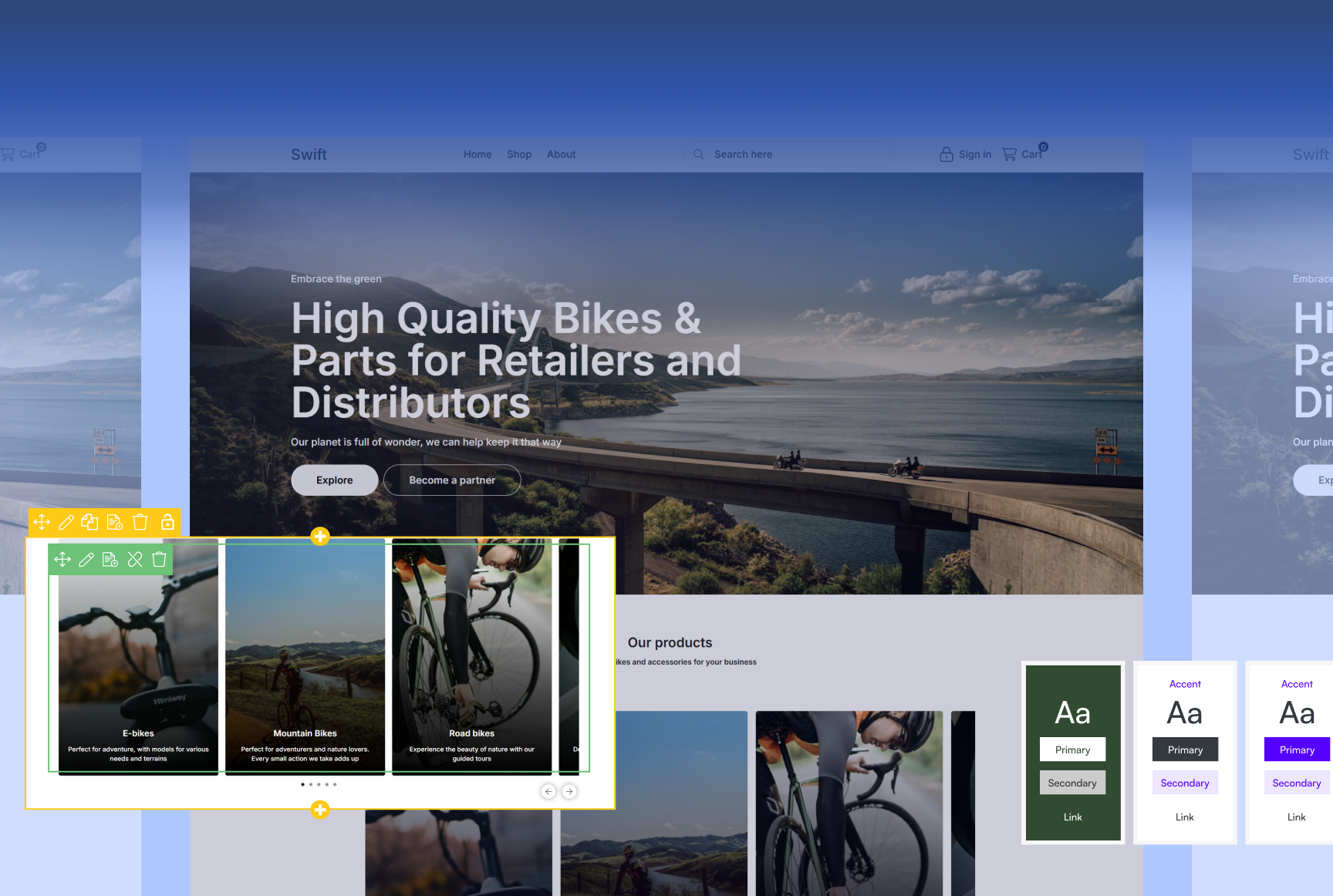
Designing with Swift
Swift comes with a full implementation and pre-built storefront with content pages, commerce pages, navigations, checkout, and much more. While it's possible to use the design as-is - in almost all cases you will want to adjust the design to fit with the CVI of the business you're implementing a solution for.
This section of the documentation aims to help you navigate between different design approaches, and help you get acquainted with the tools you use to go from moodboard to a configured design using Swift.
Read about designing with Swift here.
Key Concepts
Swift is a package of template files, item types, and a database - the Swift architecture. This documentation covers various topics such as master templates, the page types you find in Swift and what they are used for, the row types and paragraph types you use to create a content grid and add content to it, as well as more technical subjects such as the HTML architecture and CSS architecture.
Read about these key concepts here.
Extending Swift
Swift is designed to accommodate a wide range of modifications and customizations, enabling you to create a storefront that closely aligns with a brand’s design guidelines and functional needs. In this area of the documentation we will explore some of the fundamental choices you face when you want to extend a standard Swift solution, and provide you with hands-on examples of how to extend many standard components.