The Swift content model uses DynamicWeb's Visual Editor to create preconfigured blocks of content - presets - which are used by editors to create content on a website. Swift provides you, the designer, with a set of building blocks (rows & item-based paragraphs) for presets - they can be used to create many different types of designs with a look and feel matching the customer's desired work.
The overall concept is therefore that during the project phase, the design team creates an appropriate set of finished building blocks that fits the client's brand, business needs, and aesthetic profile for the end-users to use when creating content.
These presets will help the user to:
- Create content faster
- Keep new content aligned with the design
- Focus on creating great content instead of fiddling with design details
With the right set of presets, an editor will simply add a preset to a page, make some minor modifications, and… that’s it! Great looking content in only a tenth of the time it would take them to set it up from scratch. If for some reason the customer does not have an appropriate preset available, they can use rows & columns to create content from scratch – but we strongly recommend that you help them out by providing them with presets matching their business needs and line of business.
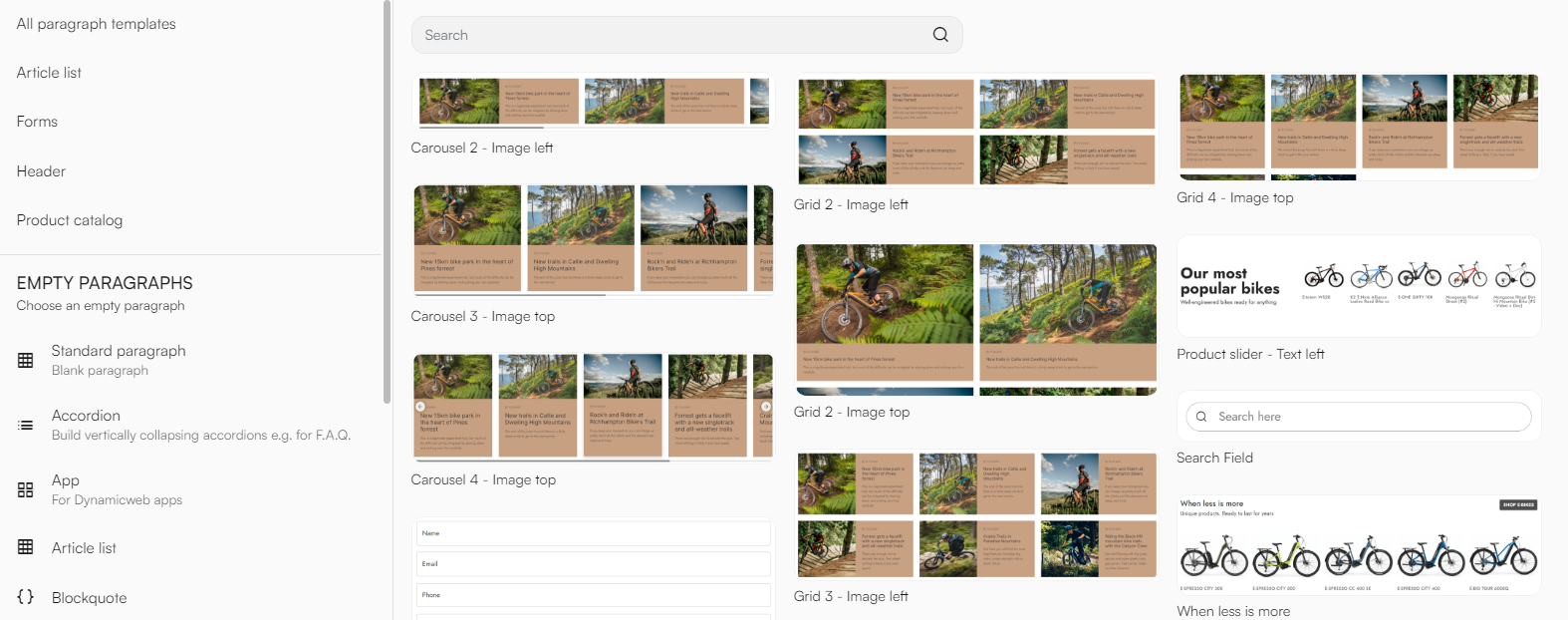
The Swift demo-website features a set of page, column, and row presets appropriate for a bike shop – you can use these as an inspiration for what can be done using the different content elements.
For a step-by-step guide on how to create your own presets, go to Swift tutorials.